Getting leads but no customers? Learn the common reasons Facebook and Instagram leads turn out poor, with a symptom-by-symptom checklist and practical fixes.
It’s a familiar story. The ads are running. Enquiries are coming in. The dashboard looks healthy. And yet the business owner is sitting at their desk muttering, “These leads are rubbish.”
Nobody picks up. Someone wanted something you don’t do. A lead from last Tuesday says “who is this?” when you call.
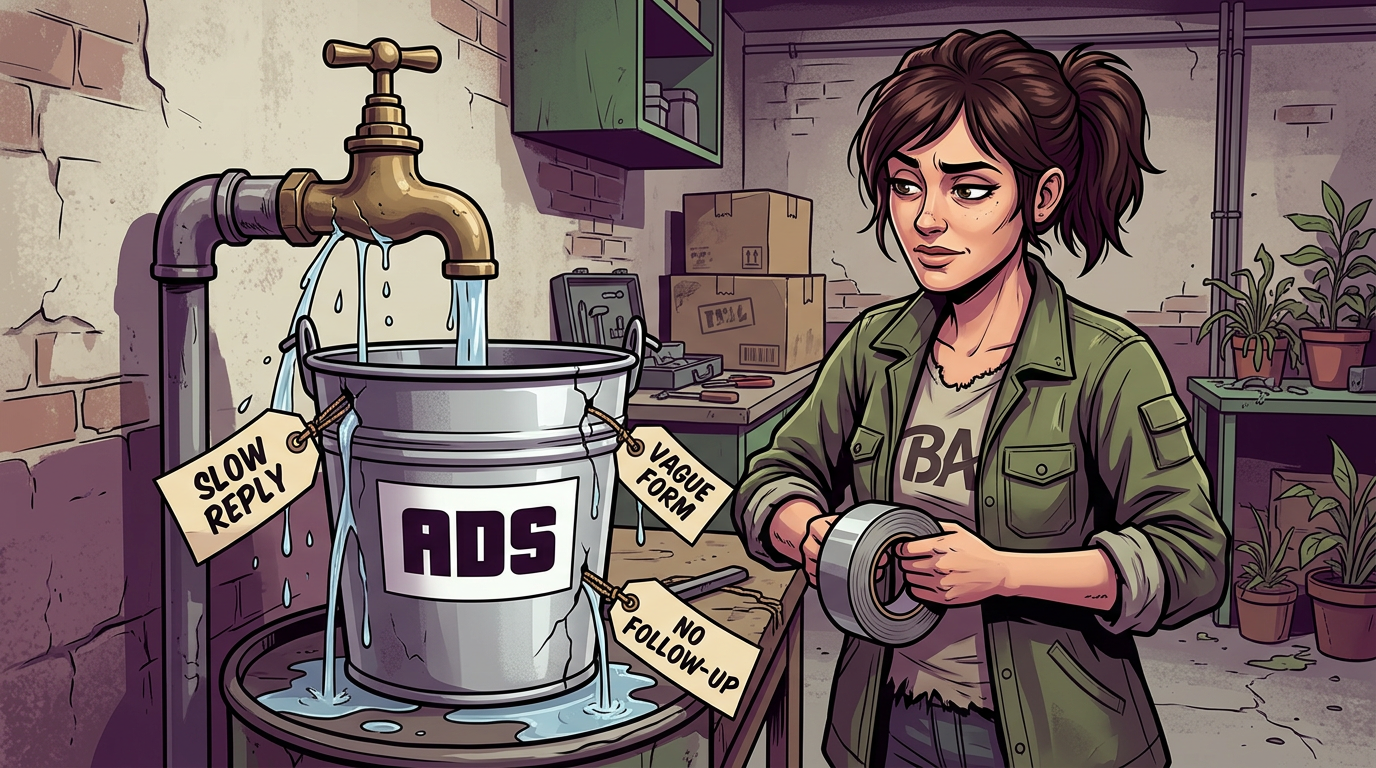
Before you blame the ads (or the person running them), it’s worth knowing: poor leads are very often caused by what happens before or after the ad, not the ad itself.
Let’s diagnose it properly.
First, define “rubbish”
Different people mean different things. Which of these sounds like yours?
- They don’t answer or reply
- They’re outside your area
- They’re not really interested
- They can’t afford it
- They wanted something else
- They don’t remember filling the form in
Each points to a different cause. Let’s go through them.
Symptom → likely cause → fix
“Nobody answers when I call”
Likely causes
- Slow follow-up. People forget they enquired, or have already chosen someone else.
- Low-intent form with lots of accidental or casual sign-ups.
- Wrong contact details or mismatched phone formats.
Fixes
- Reply within minutes where you can. Set up instant notifications and an automatic acknowledgement (text, email or WhatsApp, in line with consent rules).
- Use a higher-intent form setup, with an extra review step and a question or two.
- Make sure your system captures phone numbers correctly.
- Try more than one contact attempt and more than one channel, at different times of day.
“They’re outside my area”
Likely causes
- Location settings too wide, or set to include people “recently in” the area rather than living there.
- Ad doesn’t mention where you work.
Fixes
- Tighten the location and consider living-in settings.
- Say where you work in the ad and the form (“serving Colchester and surrounding villages”, for example).
- Add a form question about postcode or town.
“They’re not really interested”
Likely causes
- The ad promises a lot but the form makes it too easy to sign up (a free thing is wonderful, but a free thing with no commitment attracts window shoppers).
- The offer attracts bargain hunters rather than buyers.
- The system is being optimised for the cheapest possible form fill.
Fixes
- Add a small amount of friction: one qualifying question, a review step, or a price range in the ad.
- Rework the offer so it attracts people who want the paid service, not just the freebie.
- Feed back a better signal (see “Tell Meta what a good lead is” below).
“They can’t afford it” or “That’s not what I wanted”
Likely causes
- Price and process aren’t clear in the ad or on the landing page.
- The offer sounds like something else.
Fixes
- State prices (or “from” prices) and what’s included.
- Say who it’s for and who it’s not for. This isn’t rude. It saves everybody’s time.
- Check that the ad, form and landing page tell the same story.
“They don’t remember filling it in”
Likely causes
- Instant forms that are very quick to complete, so people tap through without much thought.
- A long gap between enquiry and first contact.
Fixes
- Respond fast and remind them what they asked for. (“Hi Sam, it’s Alex at [business], thanks for asking about a free survey…”)
- Use a form version that shows a summary or review step before submitting.
- Make the thank-you screen clear about what happens next.
“Great leads, but nobody books”
Likely causes
- Sales conversation or booking process has friction.
- Follow-up is inconsistent.
- The offer attracts interest but the next step feels like a big jump.
Fixes
- Make booking easy: calendar link, simple options, clear times.
- Create a follow-up sequence (a call, a text, a reminder) and use it consistently.
- Add a smaller first step.
The loop most people miss: tell Meta what a good lead is
Meta optimises towards whatever you tell it counts as a success. If “success” is “someone submitted a form”, it’ll find more people who submit forms. Some of those people are brilliant. Some just like pressing buttons.
If you can record what happens next, you can teach it better:
- Track every lead’s journey: new, contacted, booked, attended, sold, lost.
- Define a “qualified” lead in writing with your team, so everyone agrees.
- Send those outcomes back to Meta where possible (through your CRM or the Conversions API), such as qualified lead, booked appointment or purchase.
- Be patient. It often takes several weeks of volume for this to improve results.
If you don’t have enough downstream events to optimise on directly, you can still use the data yourself: compare which campaigns, ads and forms produce customers, not just leads, and shift your effort that way.
The 15-minute lead-quality audit
Try it yourself:
- Submit a lead on your own ad (use your own details and a fake name). How fast do you get a response? What does it say?
- Look at your last 20 leads. How many answered? How many were in your area? How many were interested? How many booked?
- Check your form. Is there a qualifying question? Does it clearly describe the offer?
- Check your ad and landing page. Does the offer, price and area match?
- Look at timing. How long between enquiry and first contact? Overnight and weekend leads often go cold.
- Look at the sales conversation. Is there a script or at least a few key questions?
- Check your notes. Are you recording what happens to each lead?
- Review your tracking. Is “Lead” firing at the right moment? (See [link to Article 5].)
- Ask your team. What do they hear from leads? What do they wish the ads said?
- Pick one fix and give it a couple of weeks before changing another.
When it is the ads
Occasionally the ad is at fault: it may be misleading, vague about the offer, or attracting the wrong crowd. That’s why this audit looks at the whole journey, not just the ad. It’s easy to blame the part you can see.
A word on blame
If you’re working with an agency or freelancer, a good one will want to see what happens to leads after they come in. If someone won’t discuss lead quality, or insists the ads are perfect while your phone stays silent, that’s worth noticing. If your own follow-up is the issue, a good partner will tell you kindly, and help you fix it.
Want a proper look?
We specialise in looking at the whole journey, from ad to booking, and telling you plainly where the leaks are. A free account review is a good place to start: [link to contact page].
Next in the series: Instant forms vs landing pages
Last reviewed: 26 October 2026.