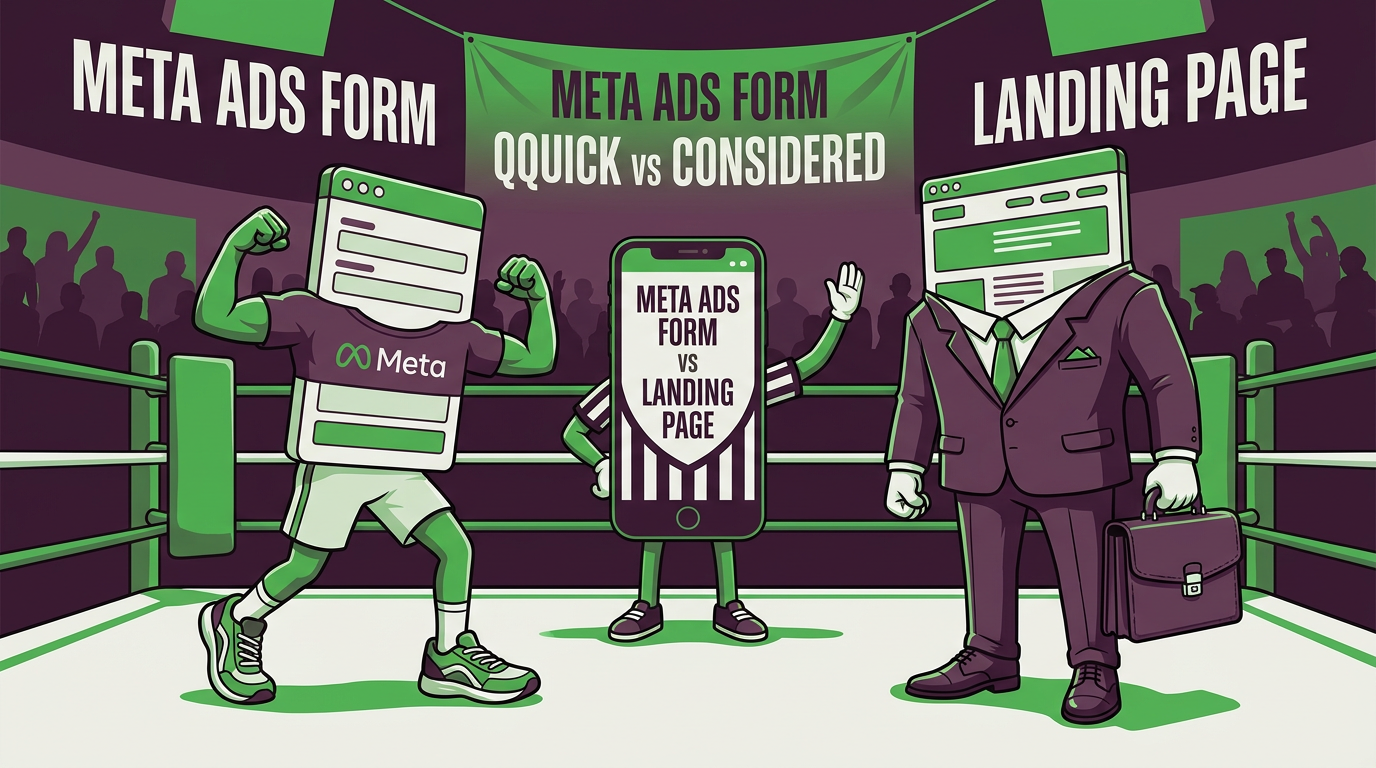
Should your Facebook and Instagram ads open quick in-app formS or send people to your website? Here’s how to choose, with a simple comparison table.
Every Meta lead campaign hits the same fork in the road. When someone taps your ad, do they:
A) fill in a quick form without leaving Facebook or Instagram, or
B) go to a page on your website?
Both work. Neither is always right. The choice comes down to a trade-off between friction (how much effort it takes to enquire) and intent (how serious the person is).
The trade-off in plain English
Make it very easy to enquire and you’ll get lots of enquiries, including from people who tapped by accident, were curious, or have since forgotten. Make it a bit harder and you get fewer, but the people who make the effort usually mean it.
Think of a shop. A bowl of free sweets on the counter gets plenty of takers. A table where you have to ask for a sample gets fewer, but they’re keener. Neither is wrong. It depends on what you’re selling.
Side by side
| Instant form | Landing page | |
|---|---|---|
| Effort for the customer | Very low | Slightly higher |
| Lead volume | Usually higher | Usually lower |
| Lead intent | Mixed, can be lower | Usually higher |
| Tracking | Good inside Meta; follow-up depends on your CRM | More detail through your site tracking |
| Set-up work | Quick | Needs a good page |
| Best for | Simple offers, quick quotes, low-cost first steps | Higher-value services, consultations, anything needing explanation |
| Biggest risk | Casual or accidental sign-ups | Page that’s slow, confusing or off-message |
Making instant forms work harder
If you go the instant form route, don’t stop at the default:
- Add a bit of friction on purpose. Meta offers form types that favour higher intent, such as a review step before submitting. You’ll often pay more per lead but less per customer.
- Ask one or two qualifying questions. Postcode, timing or service type are good choices.
- State the offer and price clearly on the form itself.
- Say what happens next on the thank-you screen (“We’ll call within the hour”).
- Reply fast. An instant form without an instant response is a missed opportunity.
Making landing pages work harder
If you send people to your site:
- Load fast on mobile. Most people will arrive on a phone, and slow pages lose people quickly.
- Match the ad. If the ad promises a free survey, the page should open with a free survey, not a homepage carousel.
- Keep it focused. One offer, one next step, minimal navigation.
- Show proof near the button: reviews, photos, accreditations.
- Make the action easy: a short form, click-to-call or a booking calendar.
Message match: the quiet hero
Whichever you choose, the ad, the form or page, and the follow-up message should all tell the same story. Same offer, same wording, same look. When someone clicks an ad about a fixed-price boiler service and lands on a page about “heating solutions for all your needs”, they feel a little lost. Lost people leave.
So which should you pick?
A rough guide:
- Choose instant forms if your offer is simple, your follow-up is fast, and you want volume to start with.
- Choose a landing page if your service is higher value, needs explaining, or you’ve found instant form leads are low quality.
- Test both if you can. Run them side by side and compare customers won, not just leads.
The golden rule: judge each by what happens after the enquiry. Cheap leads that never answer the phone are very good at making a dashboard look healthy.
Need a hand deciding?
We’ll look at your offer, your follow-up and your numbers and tell you which route suits you: [link to contact page].
Related: Choosing the right campaign type and “My Leads Are Rubbish”
Last reviewed: 27 October 2026.